Project 5: Bookend
For this project, I decided to make a design that related to trees since I thought that a design of a tree would look very nice on a bookend. Especially, because I was working with wood.
during the first class period we had for this assignment, I decided to draw it out on my iPad to see how exactly I wanted my design to look like.
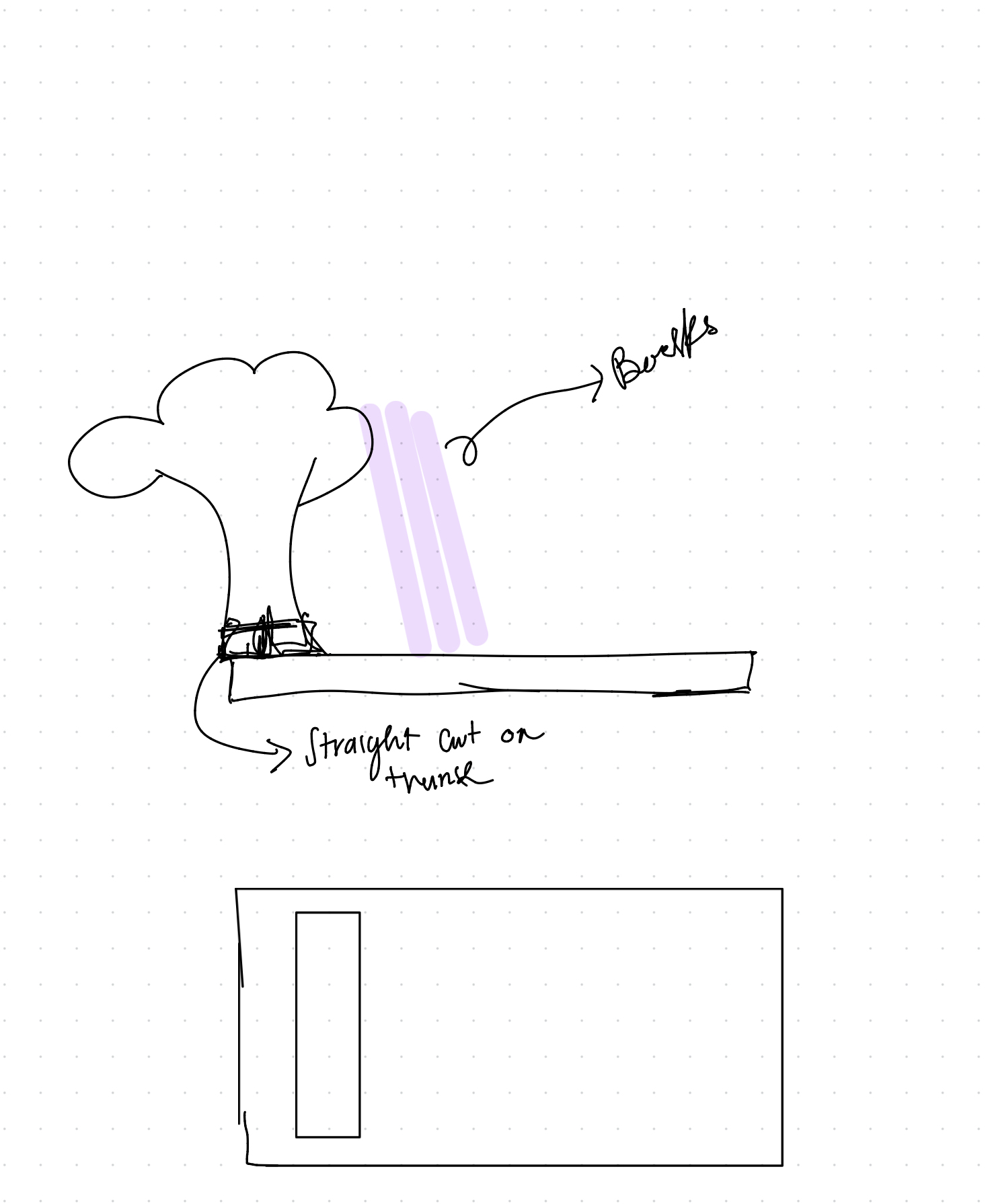
my design was going to compose of a rectangular piece with a cut rectangle close to the edge so that my tree could interlock in the cut. after this, I decided to incorporate a rectangular base for my tree so that it could fit better.
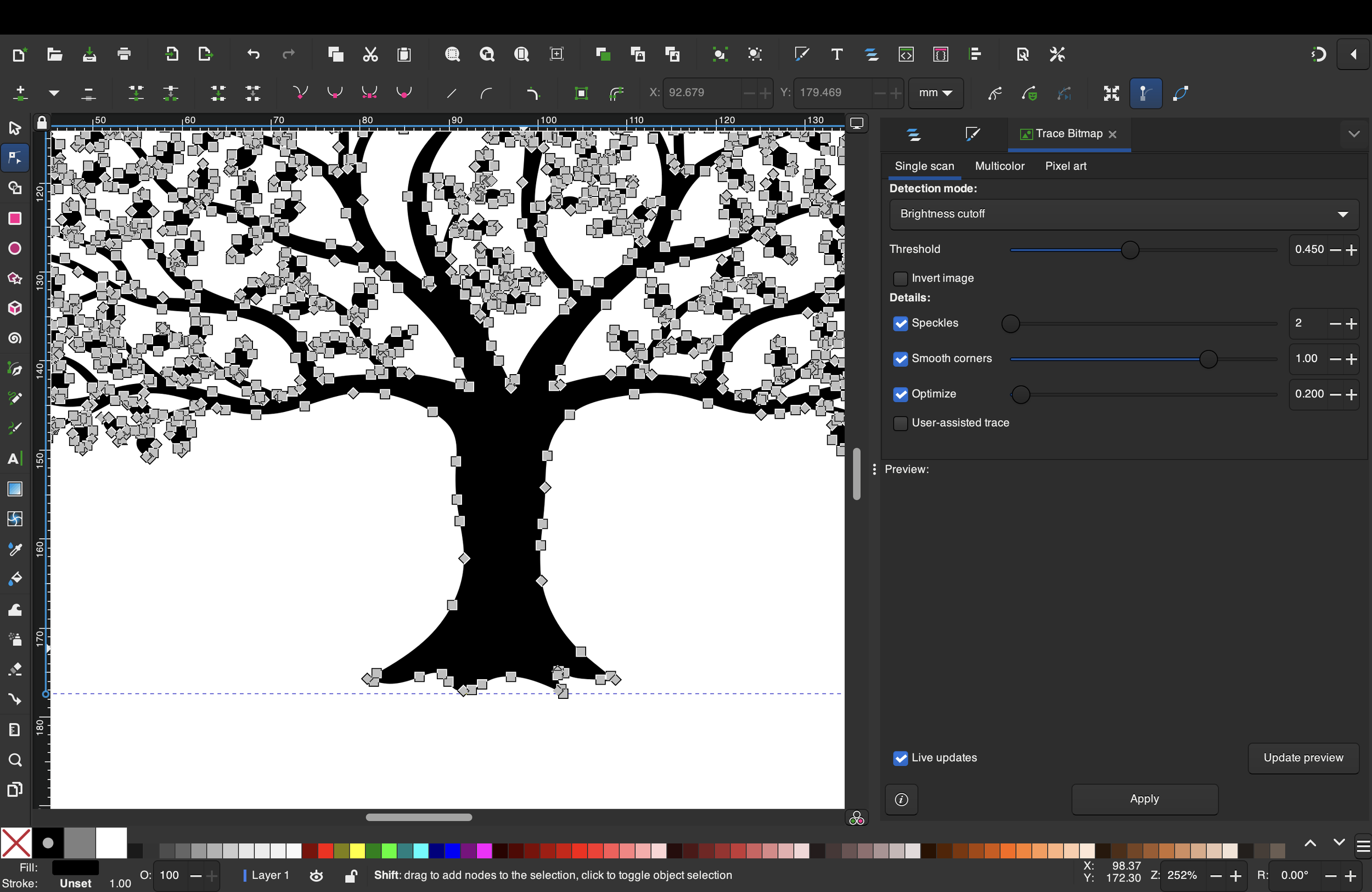
experimenting with inkscape
outside of class time, I worked on the design on my iPad, and on inkscape, but I was still not convinced on how it was looking so I decided to explore easel and straight up design it there.
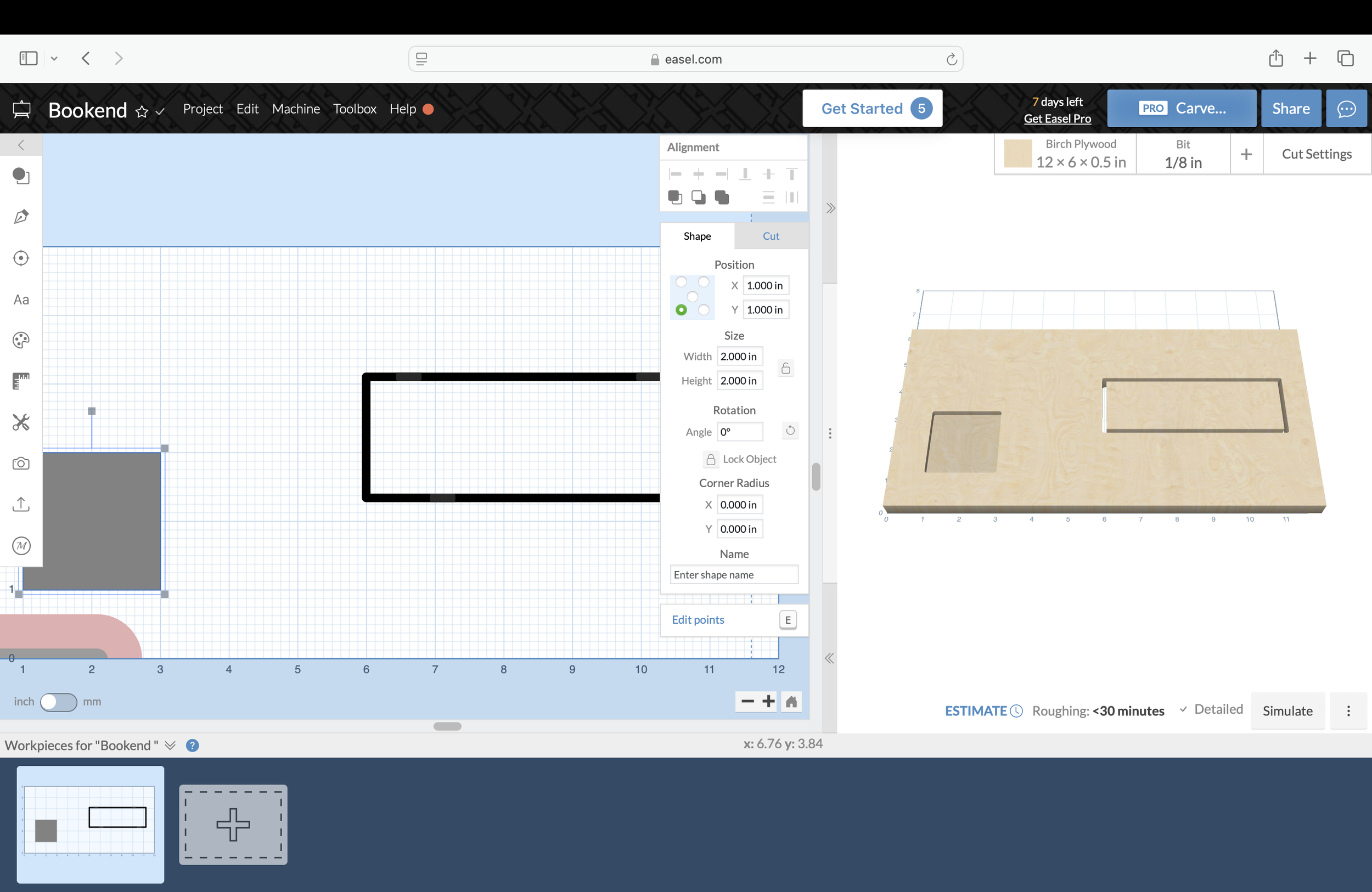
I started translating my design to easel and used the rectangle there to make my base.
I got stuck in the tree part of my design because I didn’t know how to put it on easel so I kept exploring it until I found the tracing option which was perfect for that part of my design.
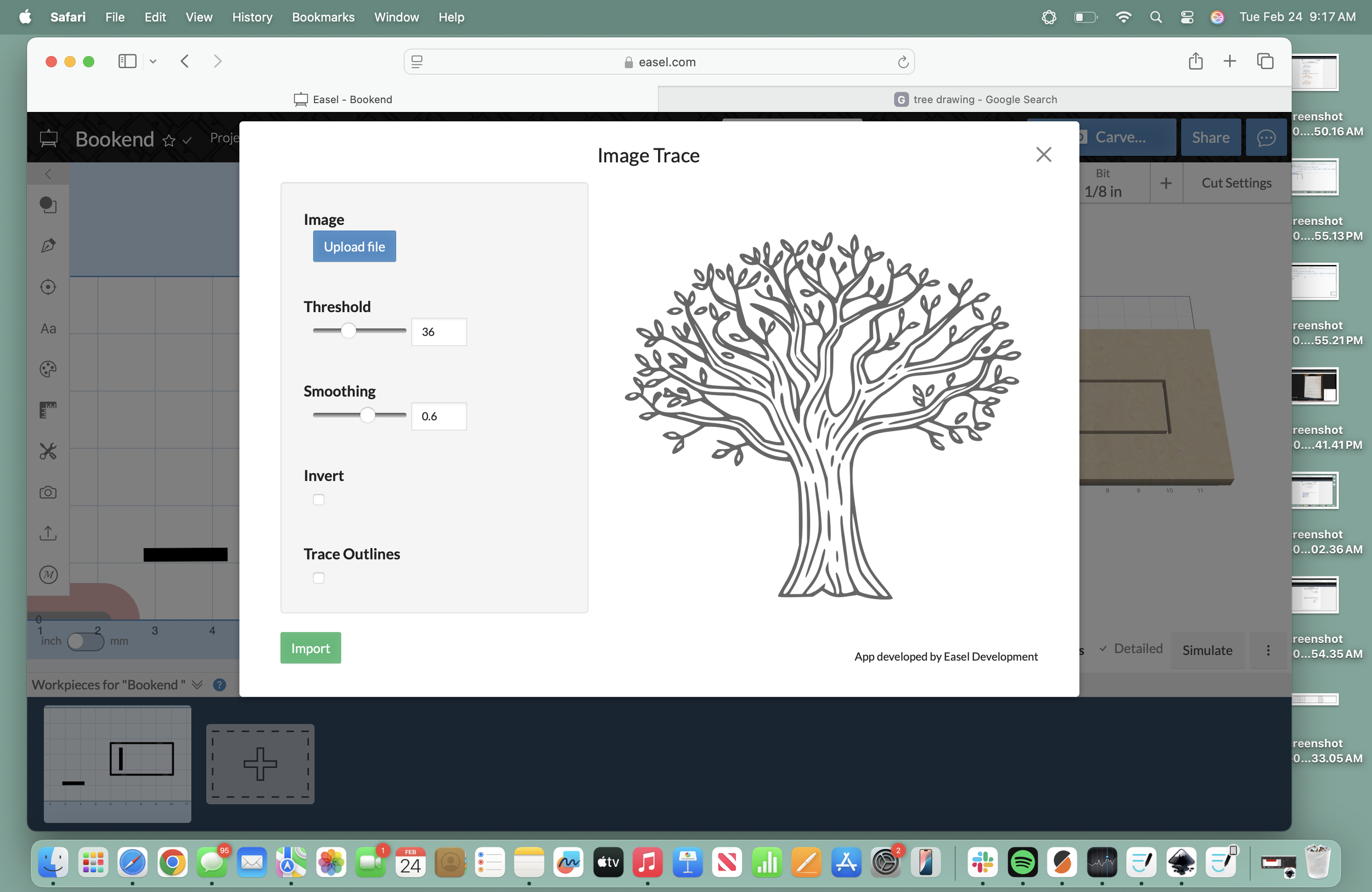
I did all of my design in easel since I thought it was easier and it was a good way to learn how to navigate it and get more practice. I spent like an hour total doing this since I wanted to play around with the different depths and see how it would look like, but I ended up sticking with just the basic cutout of the tree.
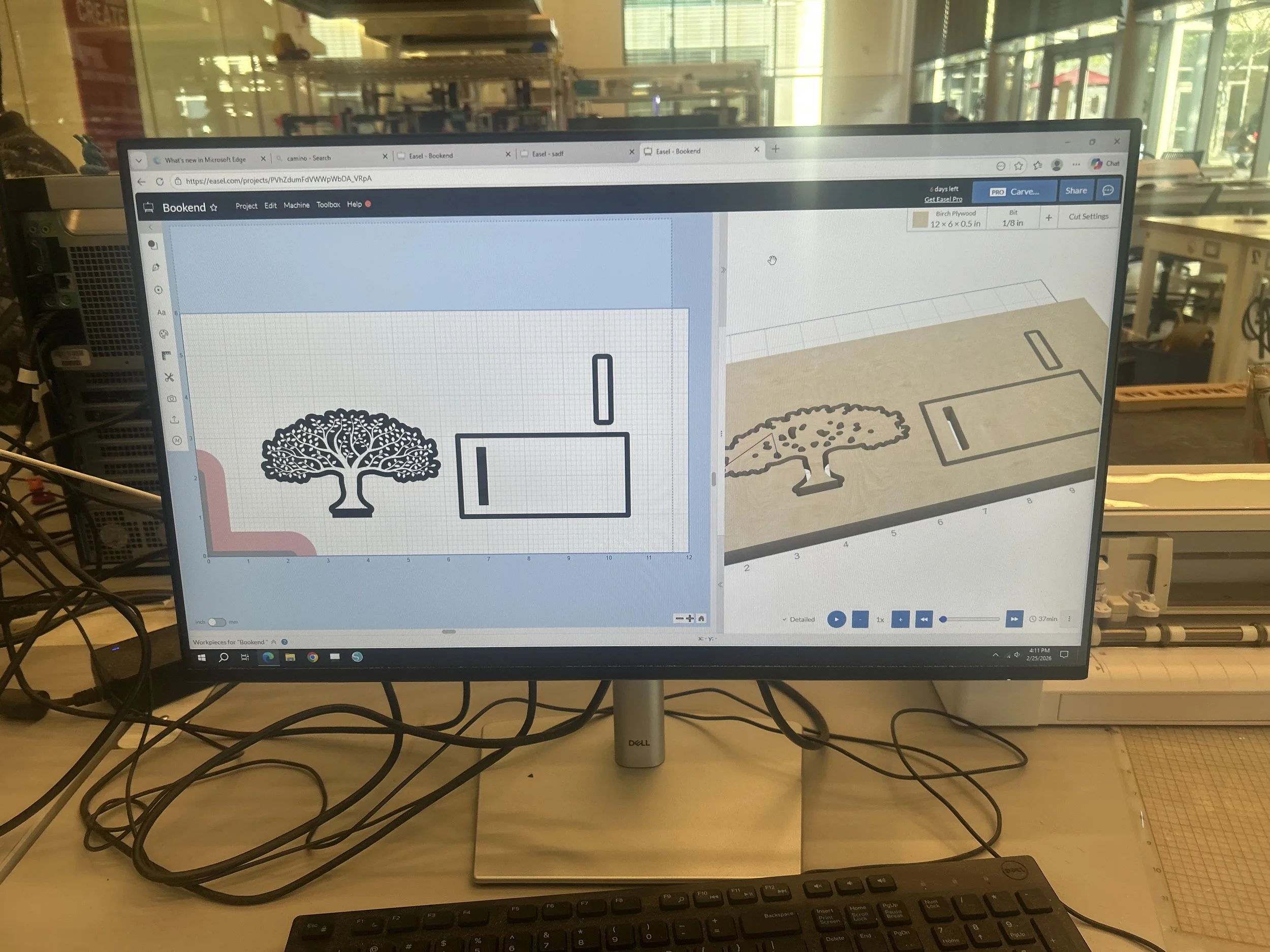
after I was okay with my design, I logged into my account on the school’s computer so that it would be easier to send it to the Carey. I also learned that before you send the design to the Carvey, easel gives you a step by step set up to make sure you’re good to go.
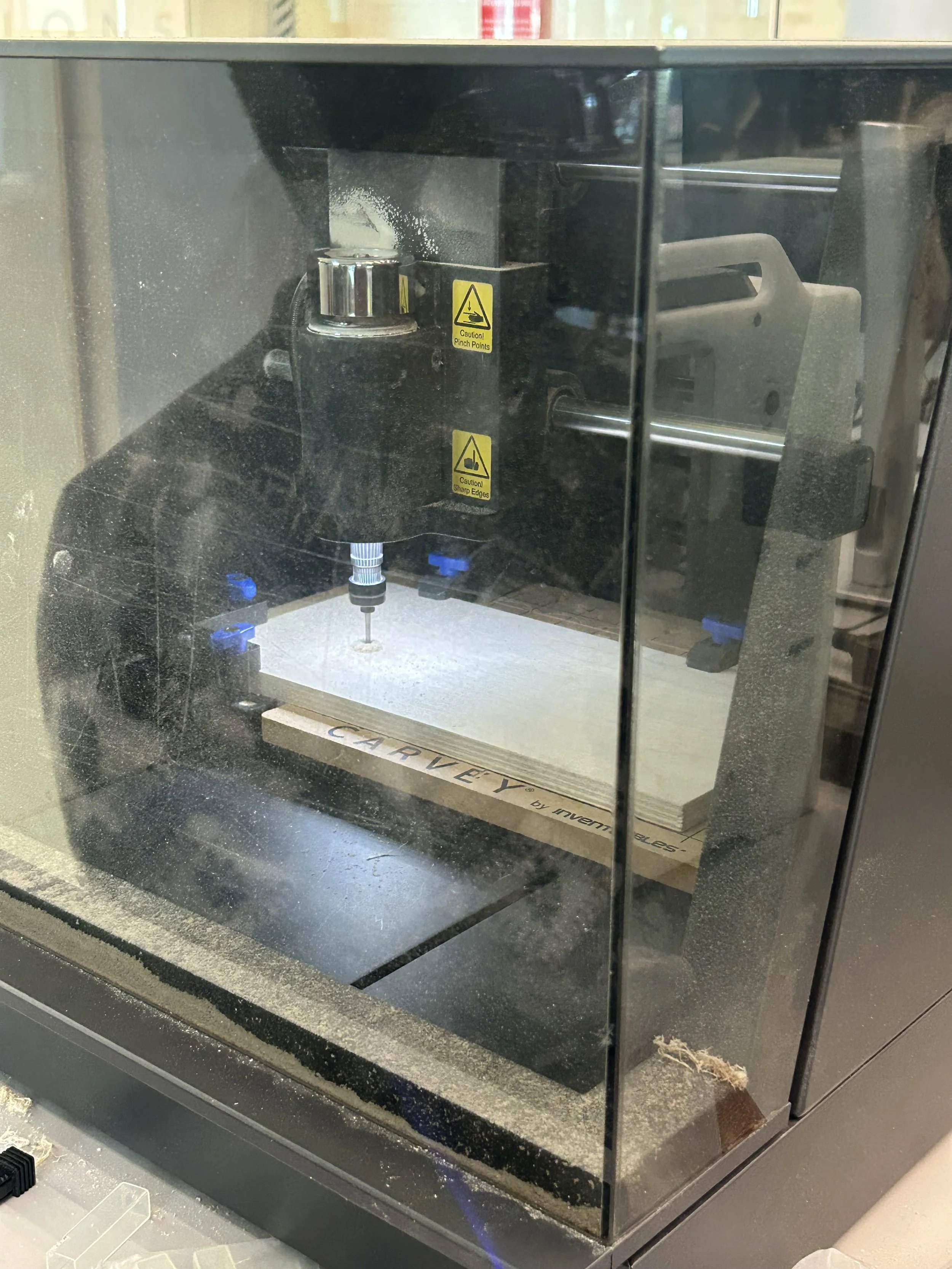
I set it to the carvey and used a 1/8 inch straight bit for my design. I had a TA help with the carvey because I experienced many challenges with the carvey when trying to set it up and was just overall not working out for me.
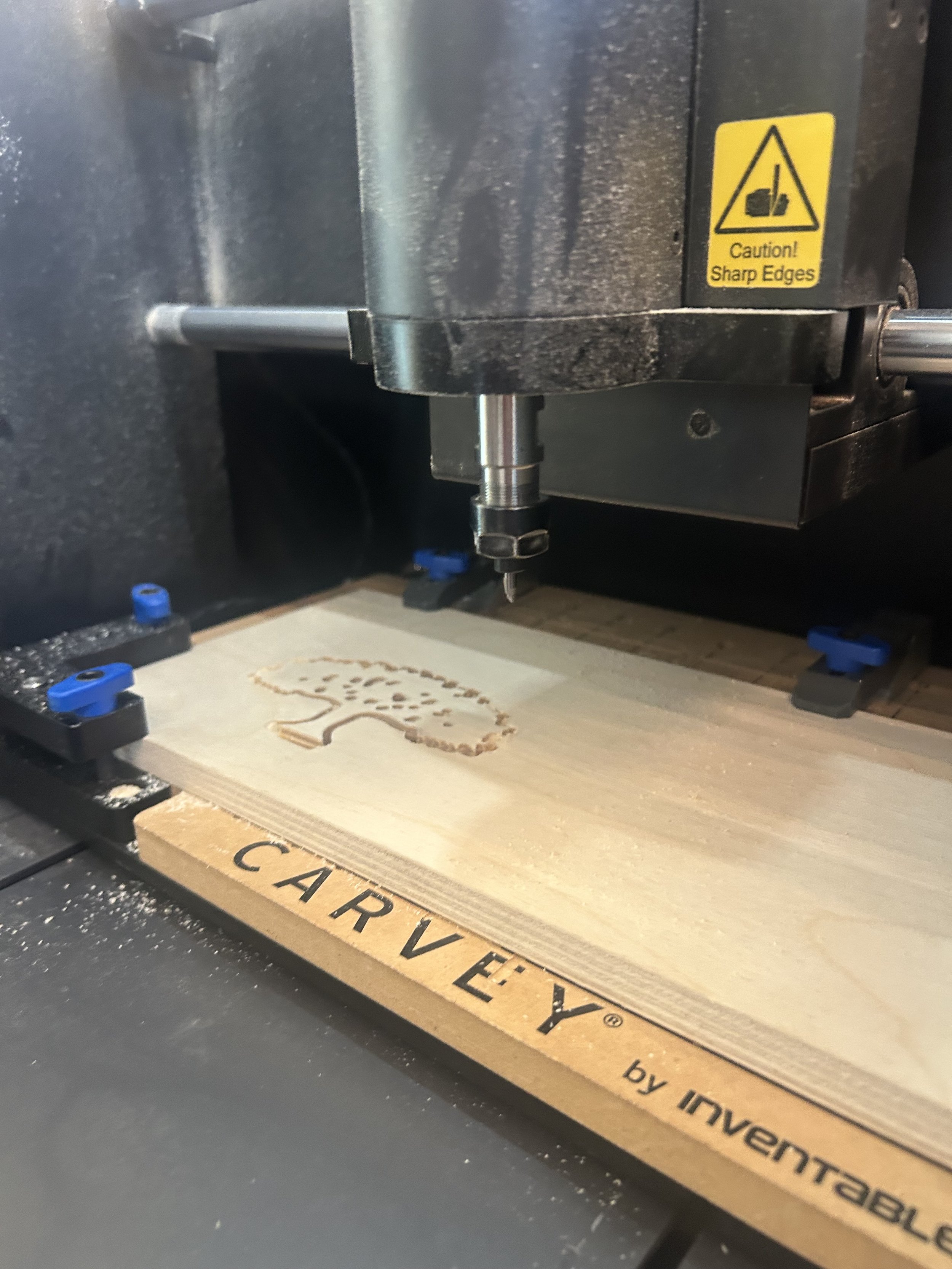
mid process, the bit broke in half and that delayed my project time since we couldn’t find another one. fortunately, we were able to find another one but I had ran out of office hours time.
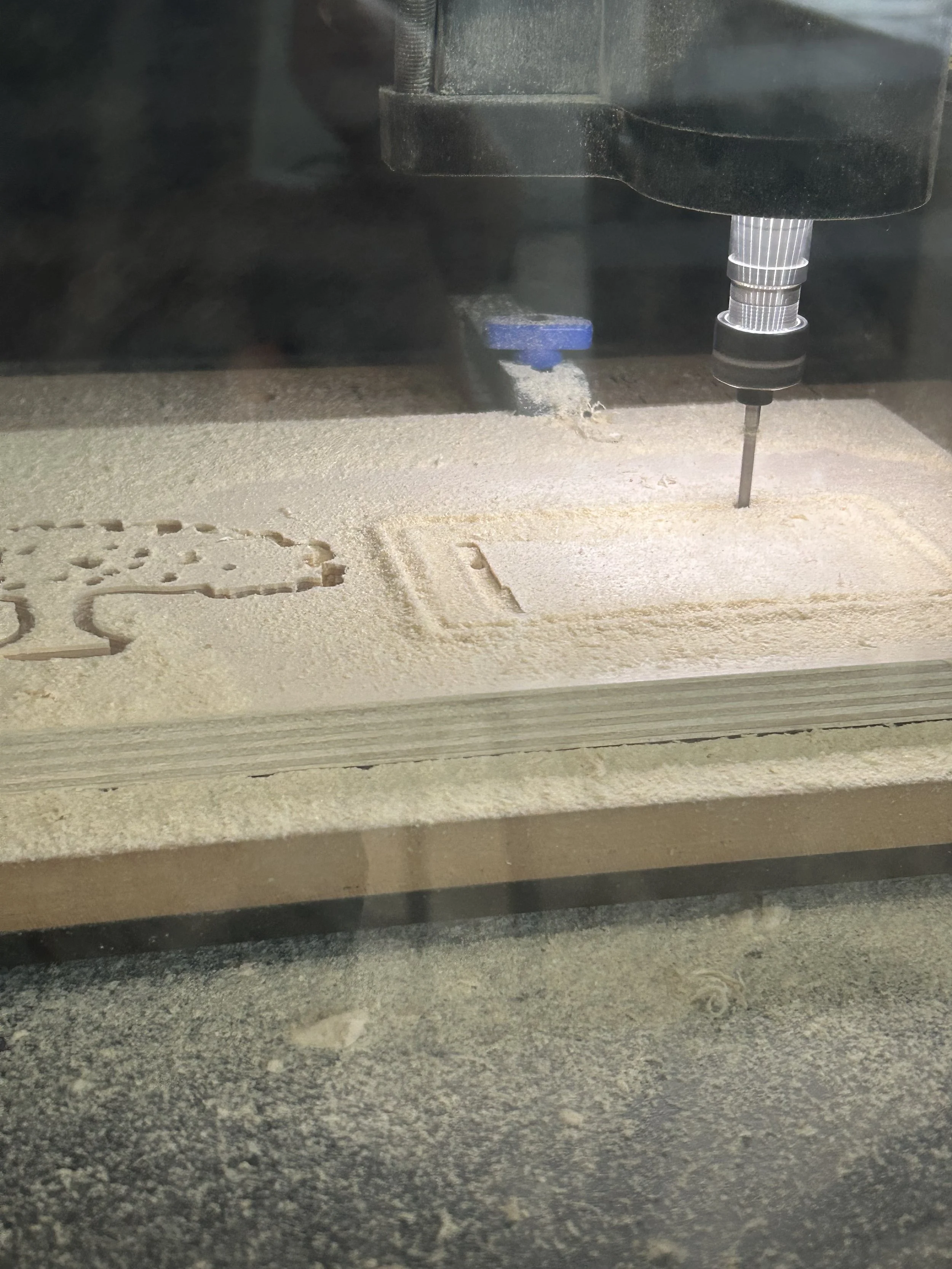
I tried again the following day with the new bit and the TA also saved my work and left the set up exactly how it was before so that I could just arrive and send it to the carvey again. however, the carvey cut my design a bit bad and with that I mean that for the interlocking part, it cut a random piece outside of that rectangular cut which affected my whole design.
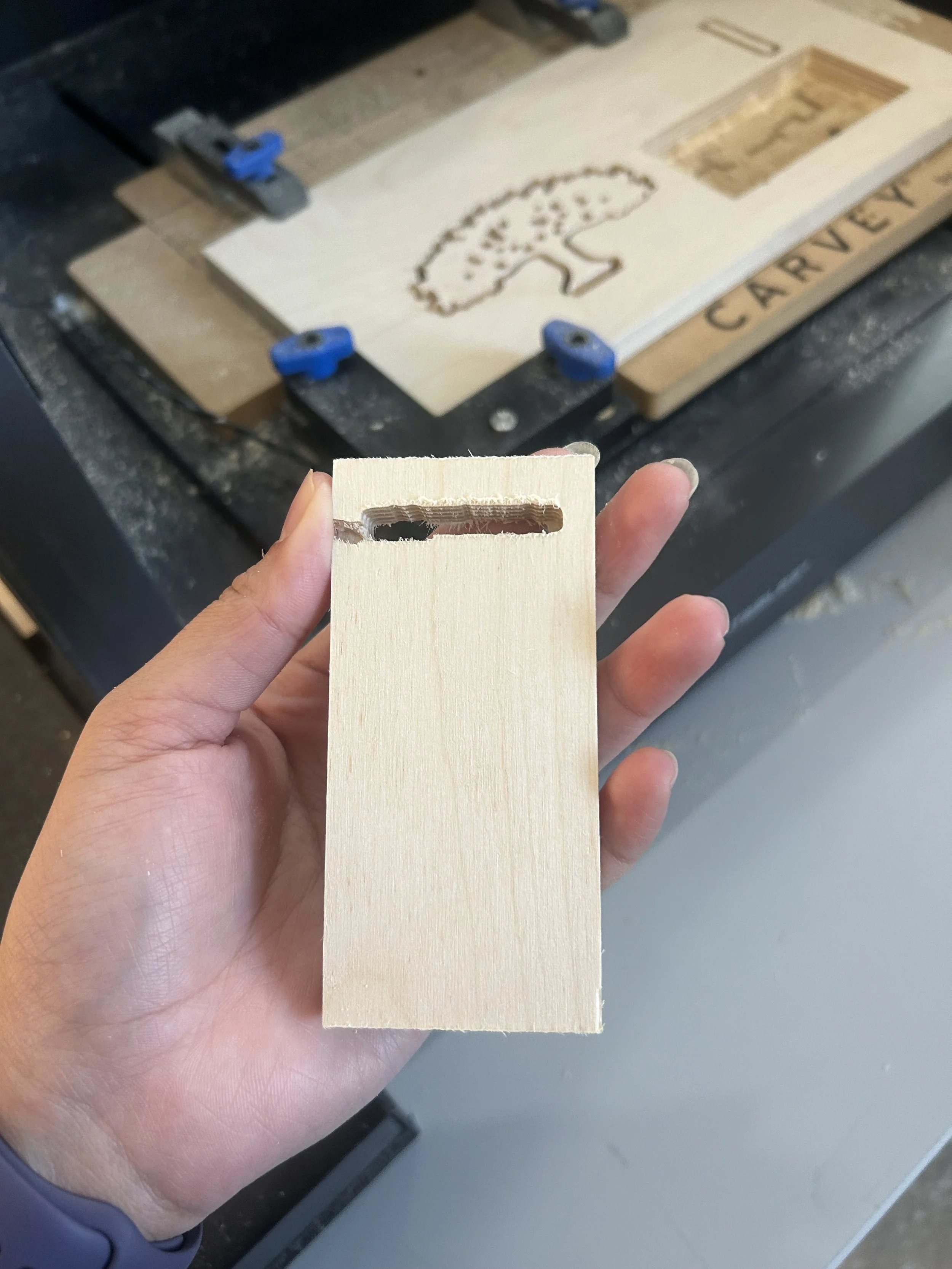
I tried to see if could cut another piece and replace it but nothing was working out so I decided to use the residue of wood and glue it on the random piece that got cut out. I also used a sander to smooth out the middle and see if it would fit.
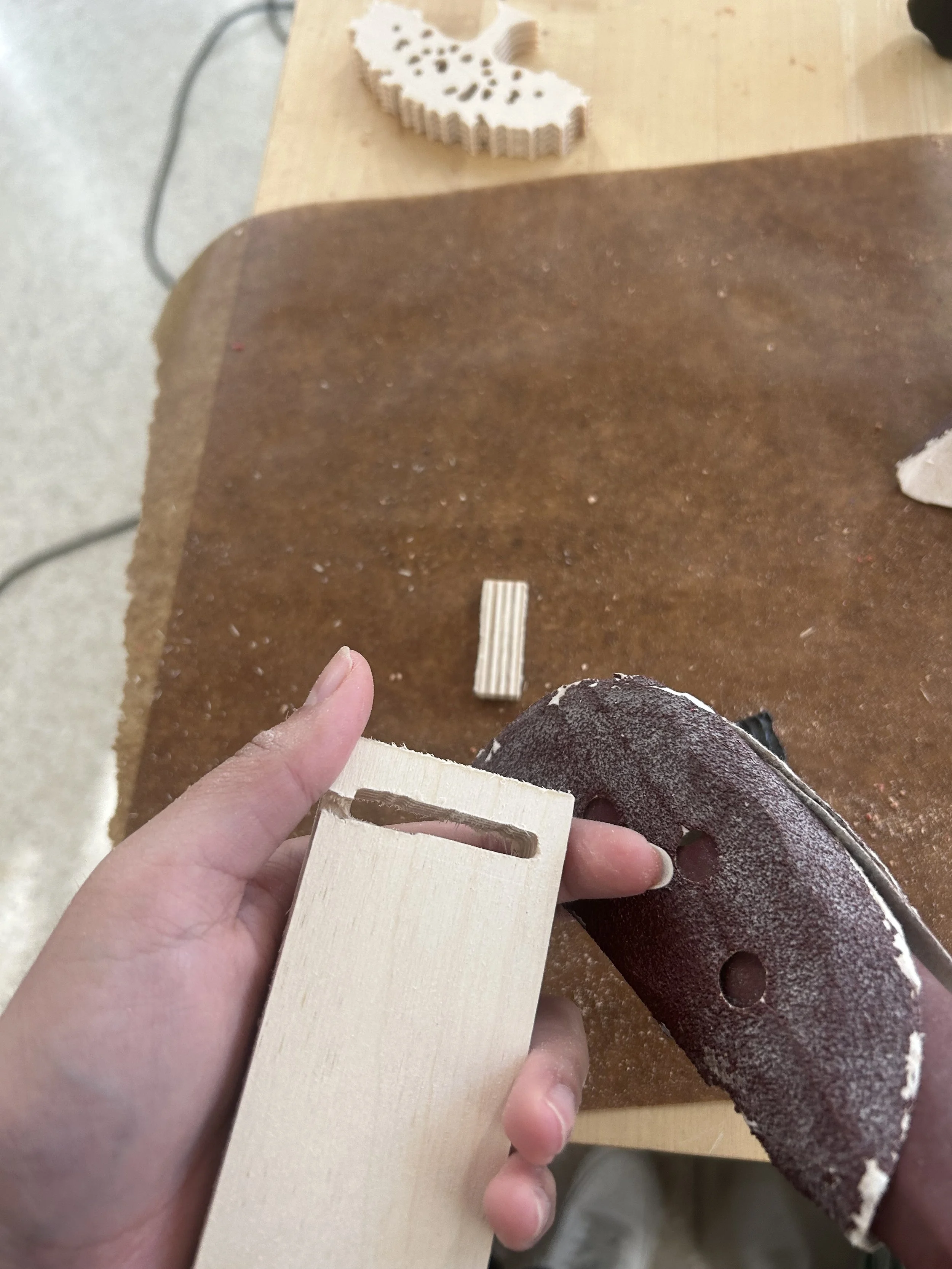
I then just glued everything together and had to hammer my piece a little bit so that the pieces could interlock.
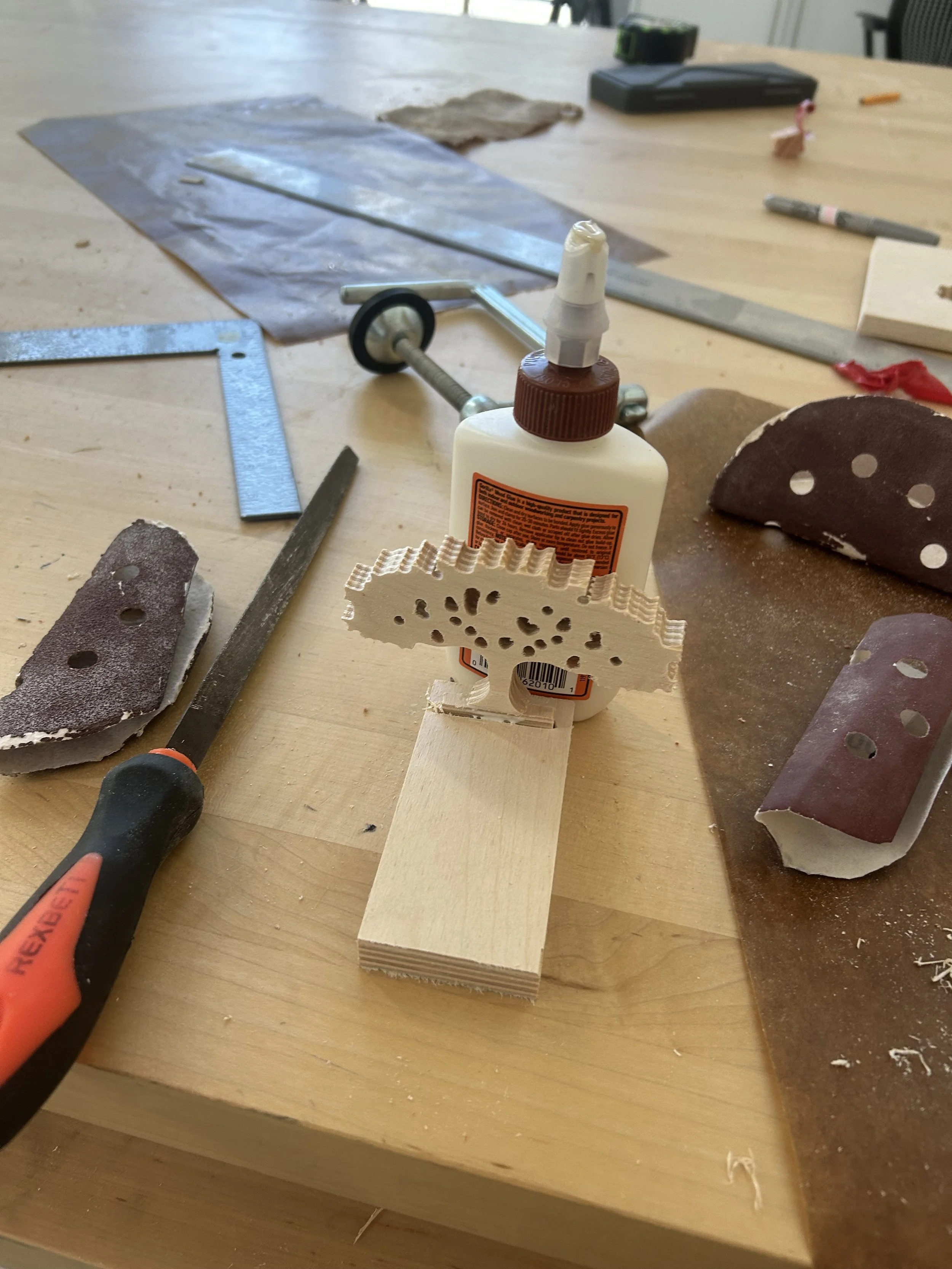
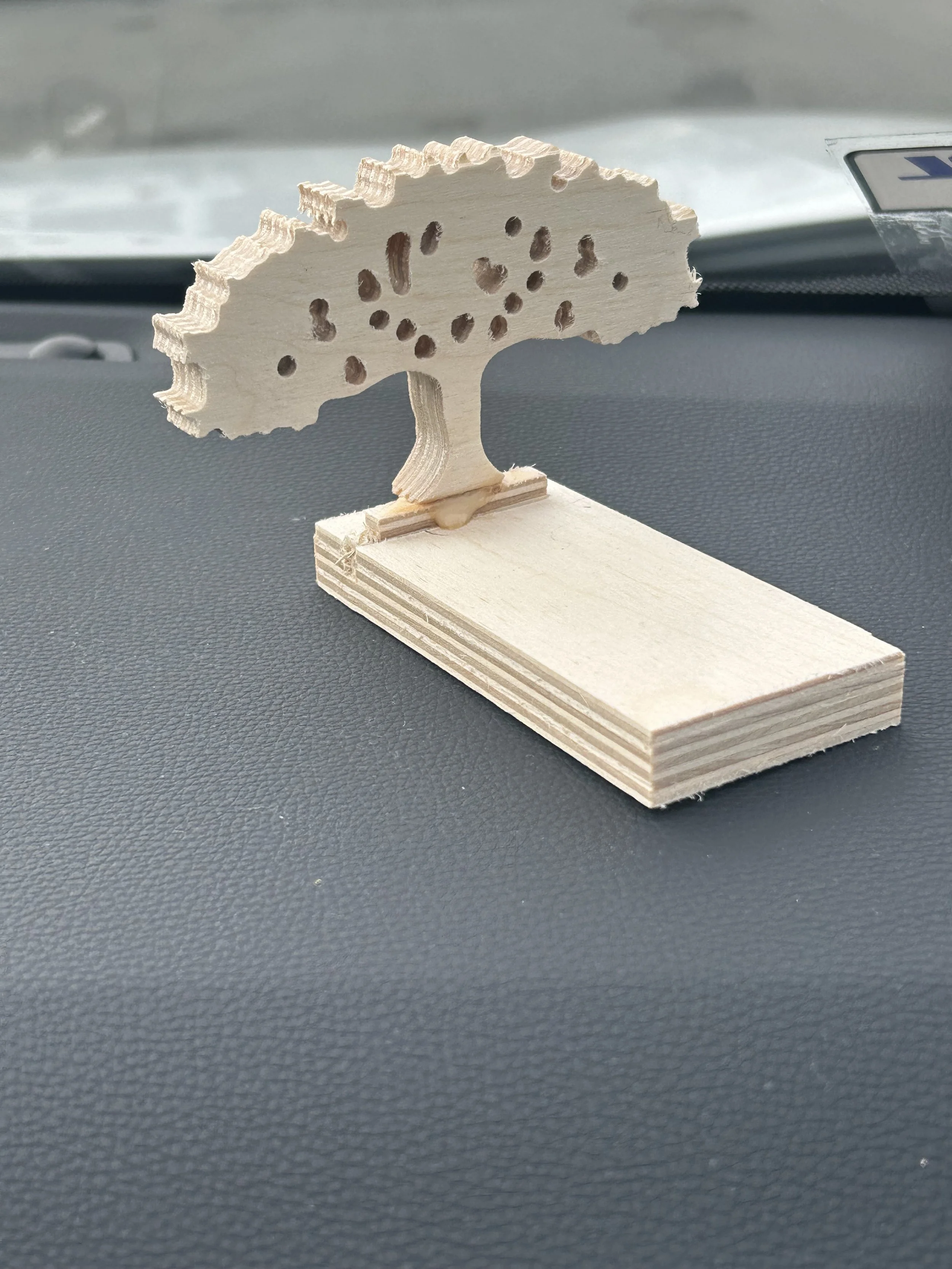
my piece broke when moving it around so I had to glue it again and the glue is more noticeable now.
in this project, I experienced a lot of mistakes and most of the were out of my control, but I definitely learned how to use easel a lot better, and gained experienced in the carvey. that would definitely help me out for my final project.
